
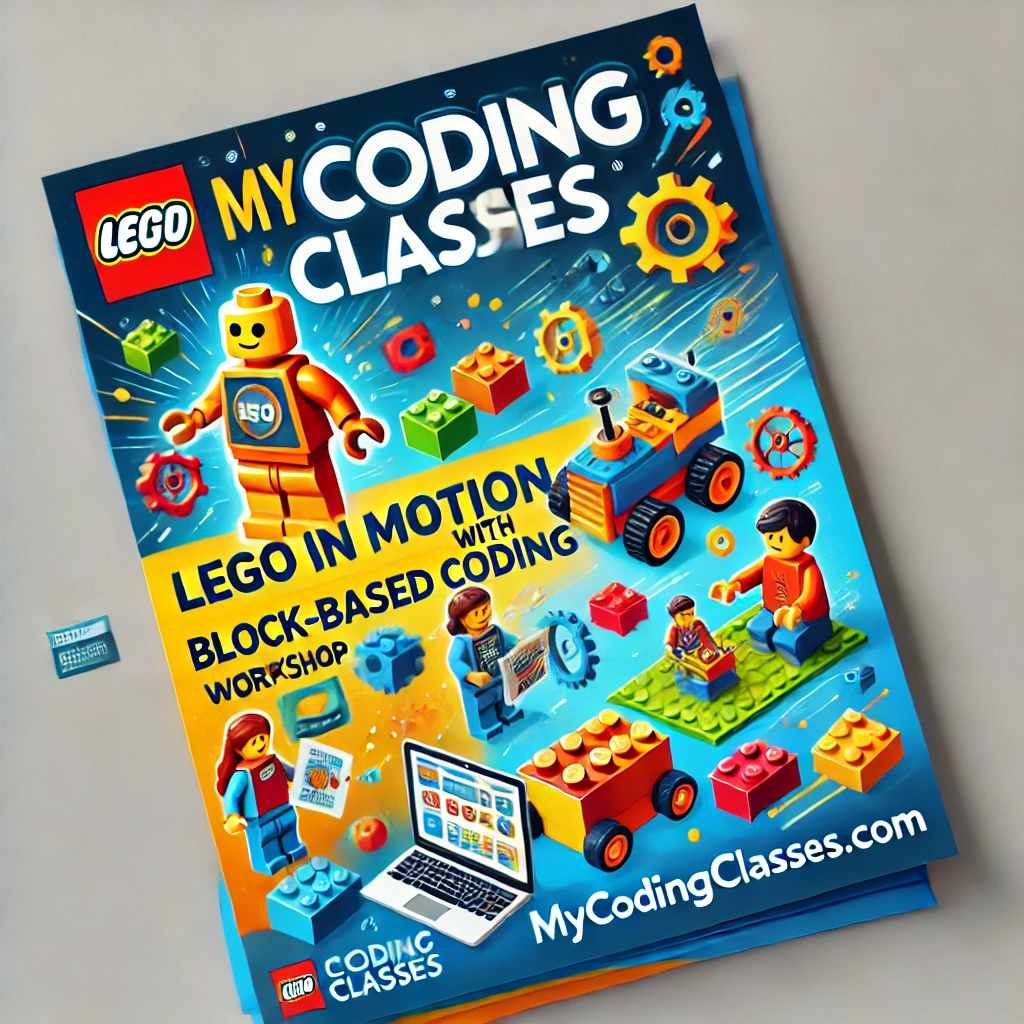
Welcome to Motion with LEGO®: Block-Based Coding
Motion with LEGO®: Block-Based Coding is an interactive robotics and mechanical engineering program created by MyCodingClasses.com for students aged 8 to 14. Combining world-class LEGO® Education hardware with intuitive drag-and-drop block coding, this course bridges the physical and digital worlds.
Instead of just building static structures or writing abstract code on a screen, students design, build, and program physical robots, motorized mechanisms, and smart machines. By writing visual logic blocks to control real motors and sensors, every student brings their physical LEGO® inventions to life.
STEM & Robotics Skills Your Child Builds With LEGO® Coding
1. Mechanical Engineering & Structural Mechanics
Students explore physical mechanics and structural engineering principles:
- Assembling gear trains, levers, pulleys, axles, and rack-and-pinion systems
- Understanding torque, speed ratios, friction, and mechanical advantage
- Building balanced, durable robot chassis designed to navigate physical obstacles
2. Block-Based Algorithm Design & Logic
Students program physical hardware using structured drag-and-drop visual code:
- Writing algorithms to control motor speed, rotation angles, and direction
- Implementing conditional logic (
if/then), wait blocks, and repeat loops - Defining variables to store sensor readings and track robot telemetry
3. Sensor Integration & Autonomous Behavior
Robots learn to perceive and interact with their physical environment:
- Programming distance and ultrasonic sensors to detect obstacles and measure depth
- Utilizing color and light sensors for line-following algorithms and color sorting
- Coding gyro and force sensors to maintain balance, detect collisions, and measure turns
4. Physical Problem-Solving & Hands-On Debugging
When a robot strays off course or a gear slips, students learn analytical troubleshooting:
- Isolating mechanical gear binding vs. software logic errors
- Testing code iterations in real-world physical environments
- Calibrating sensor thresholds based on ambient room light and surface friction
5. Computational Thinking & Mathematics
Hands-on robotics grounds abstract mathematical concepts in concrete play:
- Calculating wheel circumferences and rotation counts to predict travel distances
- Working with angles, degrees of rotation, and $x/y$ grid coordinates
- Analyzing speed-versus-time relationships through motor power settings
6. Teamwork & Engineering Workflow
Students follow real-world engineering team dynamics:
- Collaborating in pairs as Driver (hardware builder) and Coder (software programmer)
- Following the iterative engineering loop: Build -> Program -> Test -> Refine
- Presenting autonomous robot builds and live challenge runs to peers
Why Motion with LEGO® Is Perfect for STEM Learning
- Tactile & Visual Synergy — Directly links physical gear mechanics with visual software logic.
- Low Floor, High Ceiling — Easy for absolute beginners to start, yet deep enough for complex robotics challenges.
- Proven Educational Hardware — Utilizes official LEGO® Education STEM platforms engineered for classroom learning.
- Screen-Balanced Learning — Combines hands-on physical assembly with focused coding challenges.
- STEM & NGSS Aligned — Direct alignment with Next Generation Science Standards, physical science, and engineering design loops.
Powered by MyCodingClasses.com
Our specialized instructors guide students through hardware assembly, logic building, and physical calibration in a structured, team-focused environment.
Students receive:
- Guided, step-by-step instruction in mechanical building, motor control, and sensor programming
- Access to full LEGO® Education robotics kits, motors, sensors, and programming hubs on-site
- Individualized coaching to help debug code and optimize mechanical designs
- A collaborative, high-energy environment where students solve real-world engineering challenges together
LEGO® Engineering + MyCodingClasses.com = turning physical play into real robotics engineering.
Ready to Give Your Child a STEM Advantage?
The Capstone Project: The Autonomous Robotics Obstacle Challenge
By the final session, student teams design, build, and program a custom Autonomous LEGO® Robot:
- Custom Mechanical Build: A sturdy, multi-motor robot utilizing custom gear ratios and attachment arms
- Multi-Sensor Autonomy: Programmed logic integrating color, distance, or gyro sensors to navigate complex courses
- Obstacle Course Run: A live demonstration where the robot autonomously clears obstacles, sorts objects, or completes a maze
- Team Engineering Showcase: A presentation explaining their design choices, code structure, and debugging process to family and friends
Learn How Content Creation & Design Builds STEM & Digital Literacy Skills
A STEM Landing Page Built for Parents, Students & Educators