
Welcome to Scratch MIT
Scratch MIT is a visual programming platform created by the Massachusetts Institute of Technology (MIT) to help kids learn coding through creativity, logic, and math. With its drag‑and‑drop blocks, Scratch turns complex STEM concepts — like coordinates, variables, logic gates, and algorithms — into playful, interactive learning.
Kids aged 7–16 build animations, games, and stories while naturally absorbing the foundations of computer science, mathematical reasoning, and problem‑solving.
STEM Skills Your Child Builds With Scratch MIT
1. Math Through Movement
Scratch uses the Cartesian coordinate plane to control sprite movement. Kids learn:
- x/y positions
- angles & rotation
- distance formulas
- geometric transformations
Every animation becomes a hands‑on math lesson.
2. Logical Thinking & Algorithms
Children use:
- if/else logic
- loops (repeat, forever)
- Boolean operators (and/or/not)
- event‑driven programming
They learn how computers “think” and how algorithms solve problems.
3. Data & Variables
Scratch introduces variables and lists — the building blocks of data science. Kids track scores, store values, and manage game states.
4. Creative Engineering
Students design systems, test prototypes, debug errors, and refine their creations — mirroring real engineering workflows.
5. STEM Collaboration
Scratch’s global community encourages sharing, remixing, and learning from others’ logic and math‑based solutions.
Why Scratch MIT Is Perfect for STEM Learning
- Hands‑On Math — Kids see math in action through coordinates, angles, and logic.
- Real Coding Foundations — Scratch prepares students for Python, JavaScript, and robotics.
- Problem‑Solving Mindset — Debugging teaches persistence and analytical thinking.
- Safe & Accessible — No prior experience needed; everything is visual and intuitive.
- STEM‑Aligned Curriculum — Supports math standards, computational thinking, and engineering design.
Powered by MyCodingClasses.com
Our instructors specialize in connecting math + coding + creativity through Scratch.
Students receive:
- Guided lessons on coordinates, logic, and algorithms
- Personalized feedback
- Project‑based learning
- A supportive, fun environment that builds confidence
Scratch MIT + MyCodingClasses.com = the strongest STEM foundation your child can get.
Ready to Give Your Child a STEM Advantage?
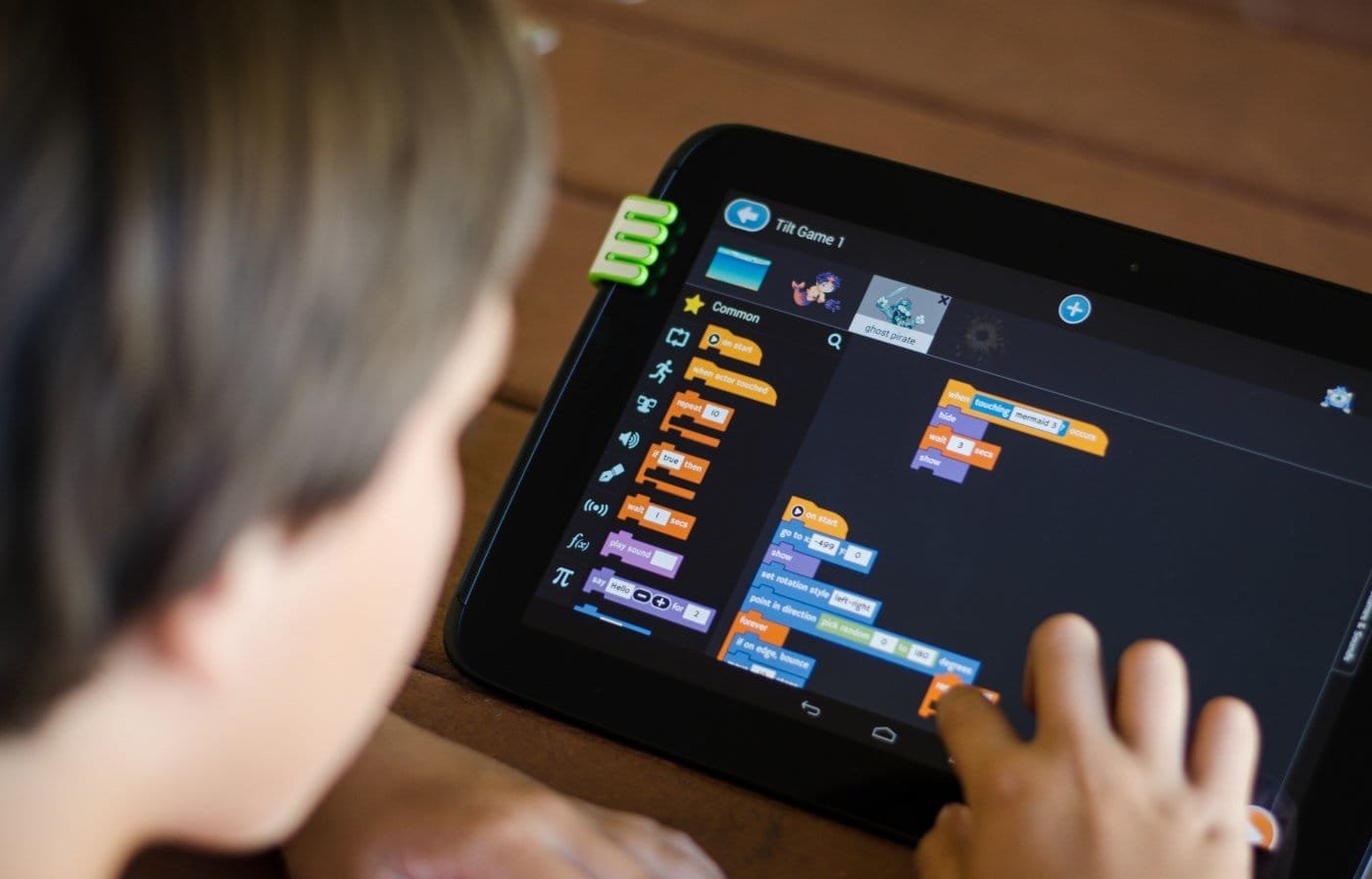


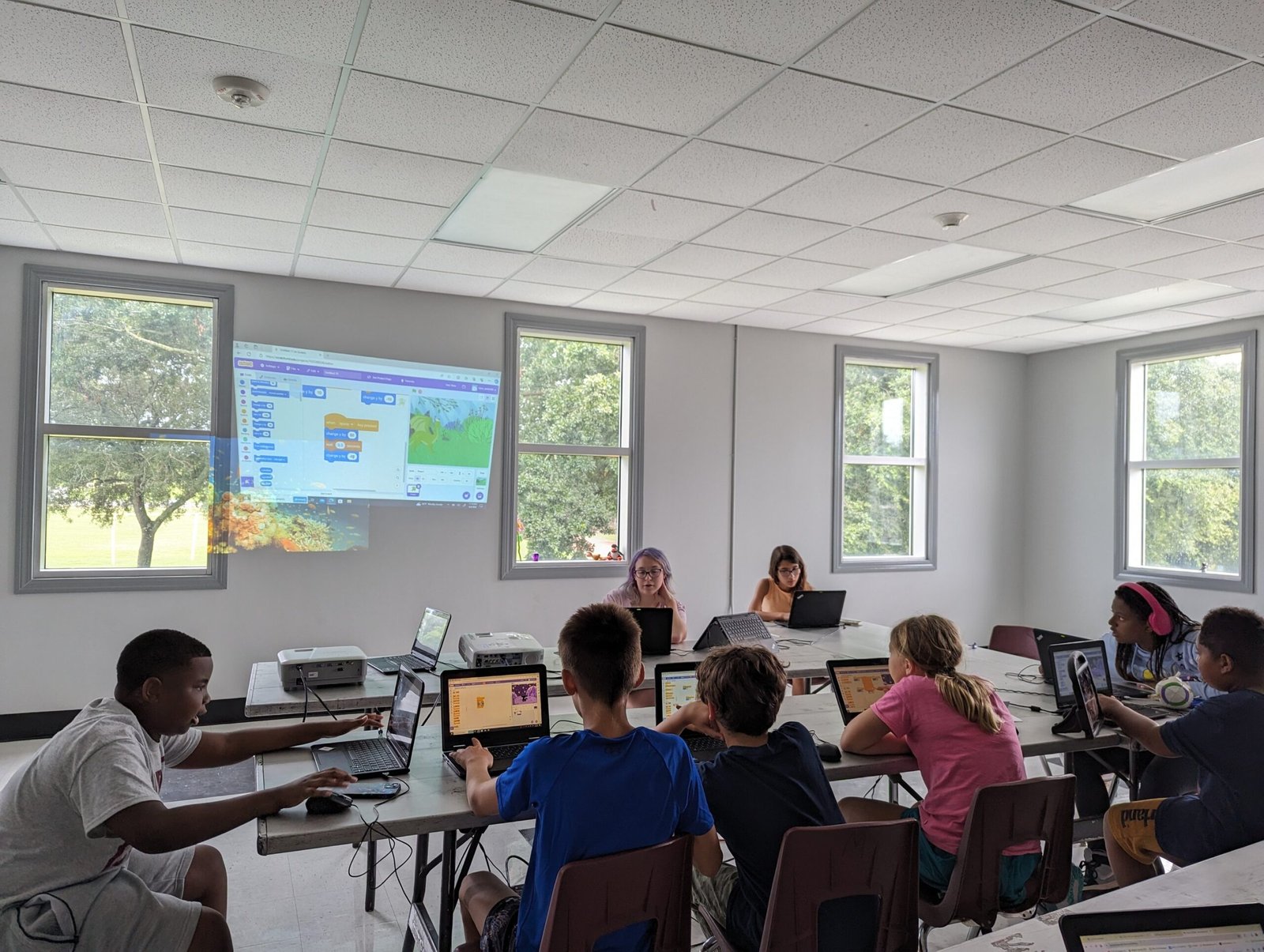
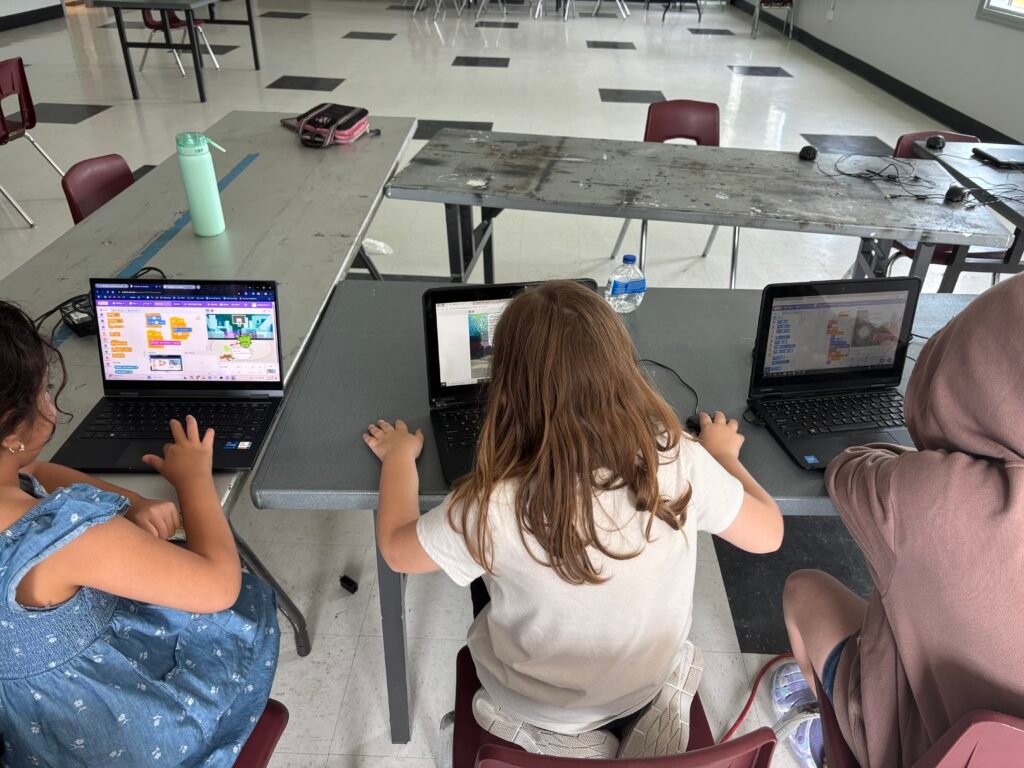
Scratch is more than block based coding! An example of our students interacting through camera screen movements – think about our Camera Systems Sensing Movement or anything with a sensor – perhaps automated cars functioning on sensing?
Behind the Curriculum: Why Scratch Works.
Scratch is a visual programming language created by MIT that teaches students how computers think, how logic works, and how digital creativity comes to life. Instead of typing code, students snap together colorful blocks that represent real programming concepts — making Scratch the perfect first step into STEM.
Scratch is not “just drag‑and‑drop.” It teaches the same foundations used in:
- Python
- JavaScript
- Roblox Lua
- Minecraft MakeCode
- AI & robotics programming
Scratch is the gateway to all advanced coding.
B. How Scratch Teaches Real Coding Concepts
Scratch introduces students to the core building blocks of computer science:
1. Logic
Students learn how computers make decisions using if/then, and/or, and comparisons.
2. Events
Students trigger actions using events like:
- “When green flag clicked”
- “When sprite clicked”
- “When key pressed”
This teaches event‑driven programming, used in all modern apps and games.
3. Loops
Students repeat actions using:
- “Forever”
- “Repeat 10”
- “Repeat until”
Loops teach automation and efficiency.
4. Variables
Students store data like:
- Score
- Health
- Speed
- Inventory
Variables are the foundation of game development, robotics, and AI.
5. Coordinates
Scratch uses a full X/Y coordinate plane, teaching:
- Geometry
- Positioning
- Movement
- Spatial reasoning
This directly connects to Roblox Studio (X/Y/Z) and Minecraft (X/Y/Z).
6. Broadcast Messaging
Students send signals between sprites — learning communication systems, synchronization, and multi‑agent logic.
Scratch teaches real computer science, just in a kid‑friendly way.
C. What Students Build in Scratch
Scratch is project‑based — students create meaningful, interactive digital experiences:
Students build:
- Games (platformers, racing, puzzles, clickers)
- Animations (stories, characters, scenes)
- Interactive stories (dialogue, choices, branching paths)
- Mini‑apps (timers, counters, drawing tools)
- Simulations (ecosystems, physics demos, math models)
- Character controllers (movement, jumping, collisions)
They learn:
- Creativity
- Problem‑solving
- Design thinking
- Debugging
- Storytelling
- Collaboration
Scratch projects feel fun — but they teach serious STEM skills.
D. STEM Skills Students Gain
Scratch builds the core STEM foundation students need for advanced learning:
Computer Science Skills
- Logic
- Algorithms
- Events
- Variables
- Loops
- Debugging
- Problem decomposition
Math Skills
- Coordinates
- Geometry
- Measurement
- Patterns
- Sequencing
Engineering Skills
- Systems thinking
- Cause‑and‑effect reasoning
- Iteration
- Testing & refinement
Creativity & Communication
- Storytelling
- Visual design
- Character creation
- Project planning
Scratch builds confident young creators who understand how technology works.
F. Why Scratch Is Perfect for Ages 7–12
Scratch is intentionally designed for younger learners:
1. Visual blocks reduce frustration
Kids focus on thinking, not typing.
2. Instant feedback keeps learning fun
Students see results immediately — motivation stays high.
3. Projects feel like games, not homework
Kids stay engaged because they’re building things they care about.
4. Scratch matches cognitive development
Ages 7–12 are ideal for:
- Pattern recognition
- Sequencing
- Creativity
- Early logic
5. Scratch builds confidence
Students feel successful quickly, which encourages them to try harder concepts later.
Scratch is the perfect first step into coding.
G. Why Instructor‑Guided Scratch Learning Works Better Than Solo Learning
Scratch is powerful — but kids learn faster and deeper with guidance.
1. Instructors help students understand why code works
Not just “drag this block,” but:
- Why loops matter
- Why variables store data
- Why events trigger actions
2. Students get help debugging
Kids often get stuck — instructors help them break problems down.
3. Group learning builds collaboration
Students share ideas, test each other’s games, and learn teamwork.
4. Instructors introduce advanced concepts early
Such as:
- Custom blocks
- Broadcast systems
- Multi‑sprite logic
- Game physics
5. Students finish polished projects
Guided learning leads to:
- Completed games
- Finished stories
- Real confidence
Instructor‑guided Scratch is more effective, more fun, and more successful.
How Scratch Leads to Advanced Learning & Long‑Term Interest
Scratch is the foundation of your entire STEM pathway.
Scratch → Minecraft Coding
Students use the same logic blocks, events, loops, and variables.
Scratch → Roblox Studio
Students already understand:
- Coordinates
- Movement
- Events
- Variables
- Game logic
Lua becomes easier because Scratch taught the concepts visually.
Scratch → Python
Students transition from blocks to text with confidence.
Scratch → Robotics
Events, loops, and variables map directly to:
- Sensors
- Motors
- Automation
- Decision‑making
Scratch → AI Literacy
Students already understand:
- Logic
- Conditions
- Data
- Decision trees
Scratch builds lifelong interest in coding, engineering, and STEM.
Learn How Scratch Builds Math Skills
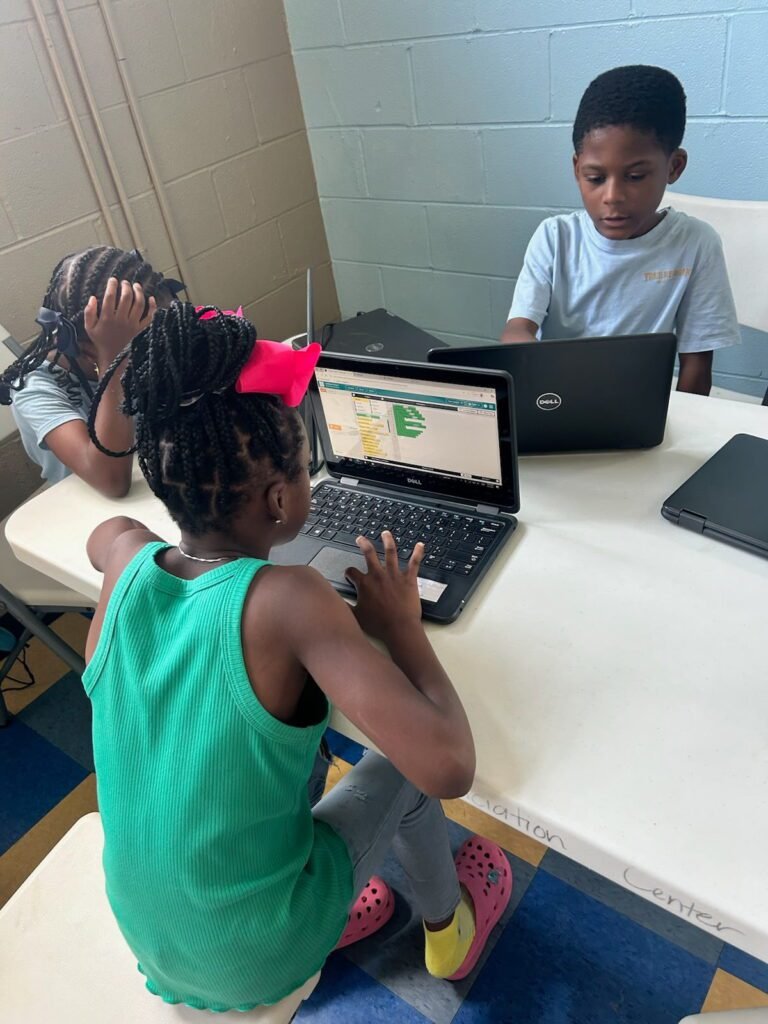
A STEM Landing Page Built for Parents, Students & Educators